Downloadable Assets
Official STORY3 materials for presentations, backgrounds, and communications. Click any file to download directly.
Zoom Backgrounds
8 filesVirtual meeting backgrounds in light and dark variants. Download and set in Zoom under Settings → Virtual Background.








Letterhead
5 filesOfficial STORY3 letterhead templates in Word format. Five variants — use whichever best fits your correspondence.
PC Users — Prevent Word from compressing your logo
PCs tend to auto-compress images. Use these settings to ensure your logo stays sharp.
Make it the default for all new documents
- Go to File → Options → Advanced
- Scroll to Image Size and Quality
- In the dropdown, select "All New Documents"
- Check "Do not compress images in file"
- Set Default resolution = High fidelity
- Click OK
This applies to anything created from now on.
Make it permanent — update Normal.dotm
- Open a blank Word doc
- Apply the settings above (with "All New Documents" selected)
- Close Word
- When prompted, save changes to Normal template
Every new doc inherits this behavior automatically.
Important limitations
- These settings do not retroactively fix existing documents
- Each existing file may still have compression baked in — adjust individually as needed
PowerPoint Template
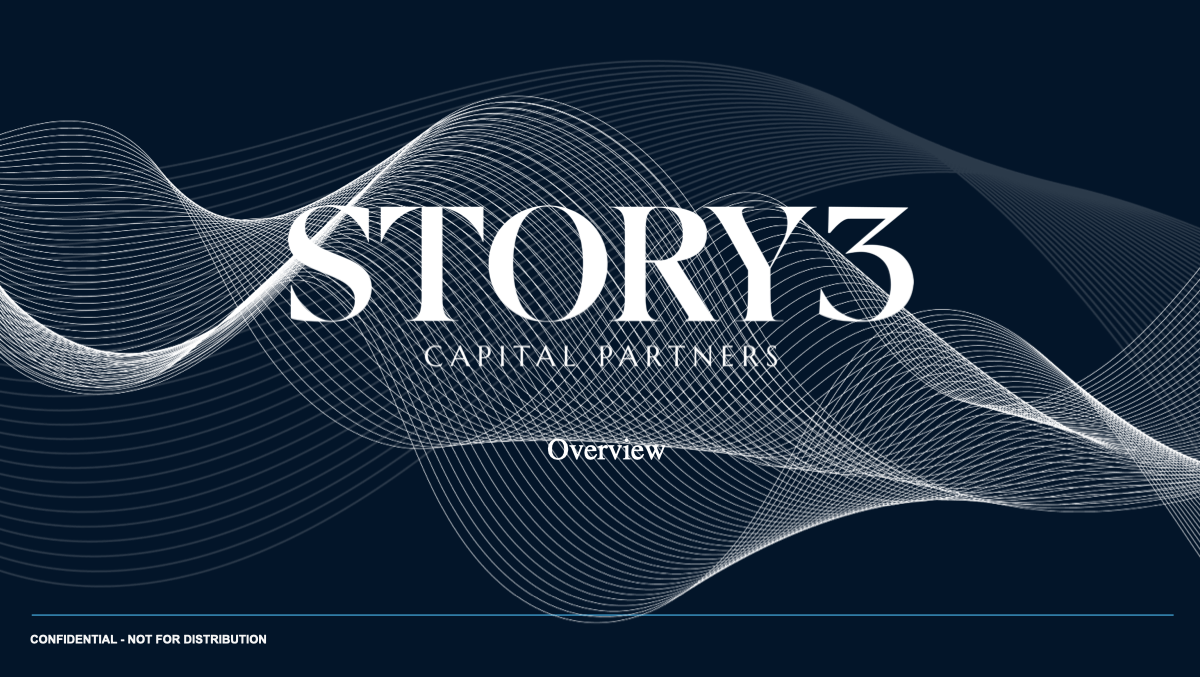
1 fileBranded presentation template with pre-built slide layouts, fonts, and color palette applied.
LinkedIn / Social Assets
7 filesHero banner images sized for LinkedIn profile and company pages (1584 × 396 px). Two branded profile avatars are also included — use whichever best fits your application.